4 quick tips to turbocharge your photo project creation process and unlock the power of search. |
|
|
Love creating photo projects with Mimeo Photos for Mac?
|
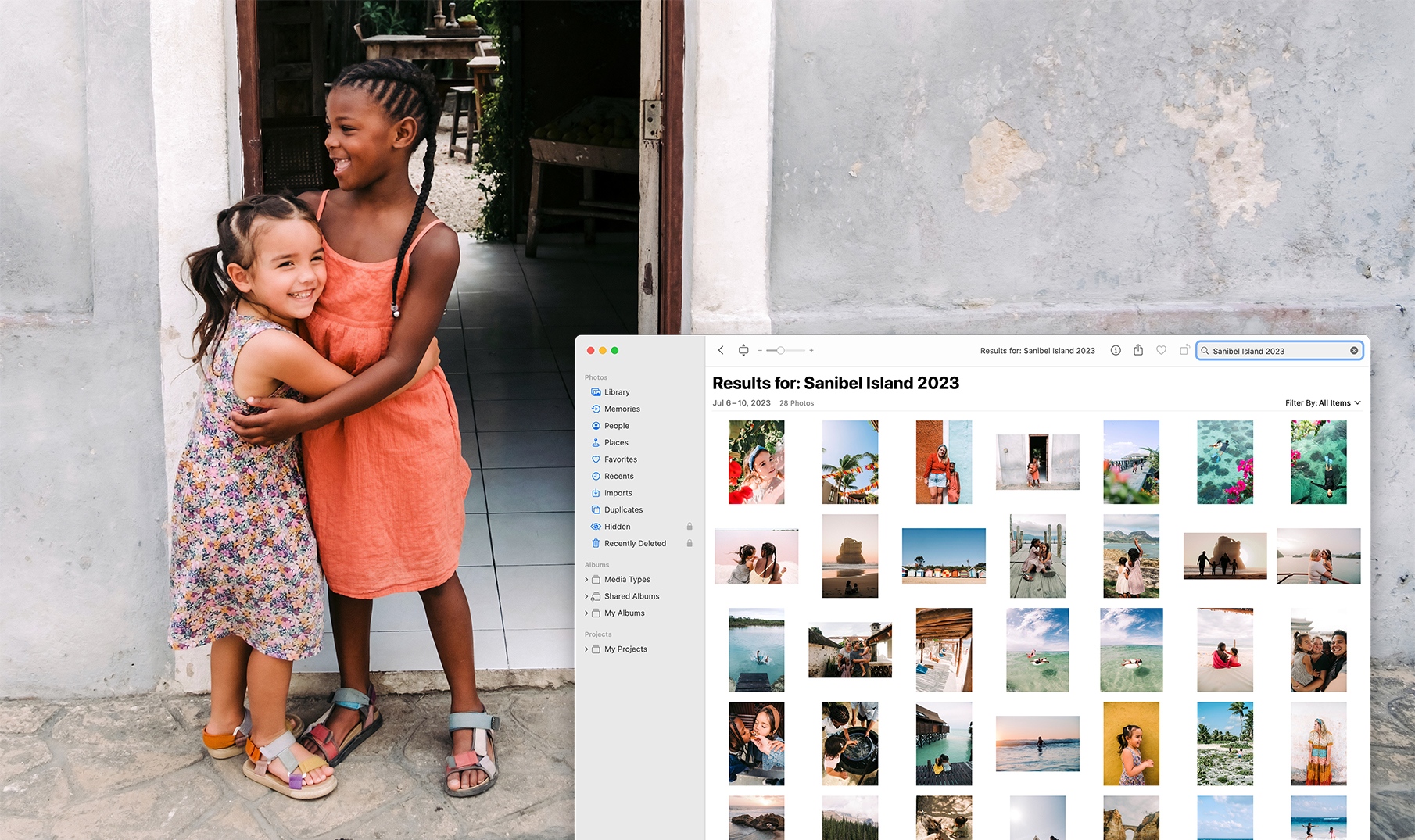
Today, we’re sharing 4 tips for using the Search feature in Photos on your Mac to speed up your photo project creation process.
|
|
|
Look for photos of objects. Creating a photobook from your bird watching adventures? Try searching for “bird” or even a specific name, like “blue jay.”
|
Compile all the photos you took from a specific place by searching for the place name. If you visit the same places often, you can even add in the month or year to your search to narrow down what you’re looking for.
|
Making a project with photos from a recent sporting event or concert? Just type in the name of the event and you can access all those photos.
|
You can even search by category. If you’re compiling all your best sunset photos, search for “sunset” and you’ll see all the sunsets in your Photos library.
|
|
|
Turn meaningful moments into premium photo products
|
|
|
|